Know which unit and what happened.
The receptionist collects the property, unit and reported issue. Your team receives the location and circumstances together for its maintenance response.
Reported issueyour response rules
Built around your business
See how NiceAgents fits the work you do and the customers you serve.
Explore all industriesFree business tools
Use your own numbers to explore costs, missed opportunities and capacity.
Explore all seven toolsTenant repairs, viewing inquiries and owner messages don’t arrive one at a time. NiceAgents takes the details and follows your next-step rules while your team looks after the properties.

A maintenance report needs more than a caller's number. Keep the property and reported problem with the request.


Actual product UI. Example details saved manually in a demo account—not a live call.
This saved inquiry does not represent an accepted dispatch or emergency response.
The receptionist collects the property, unit and reported issue. Your team receives the location and circumstances together for its maintenance response.
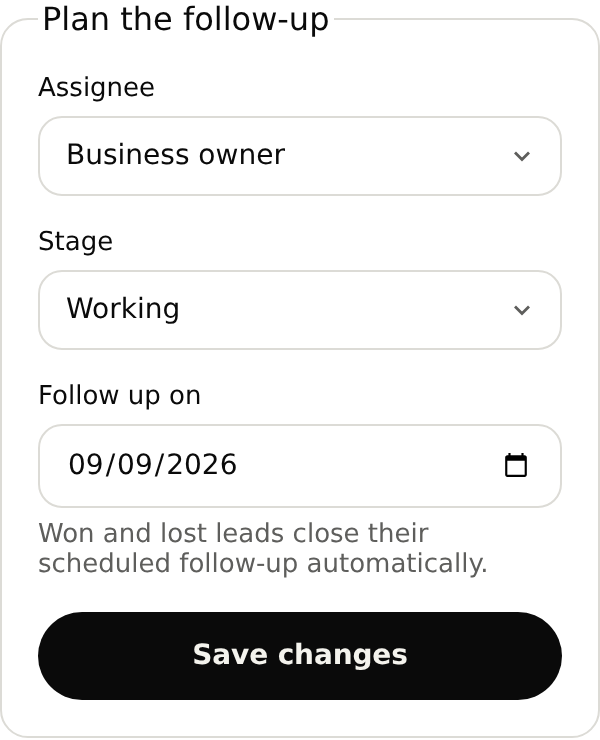
The team handling a repair needs the location, reported issue and person to contact. Assign the inquiry and record what needs attention next.
Set up your receptionistKeep the request, owner and next-action note together. Open the inquiry from your follow-up list.
Your team still needs to respond directly. Saving an internal follow-up date does not send an urgent alert or confirm attendance.
The kitchen sink in unit 4B is leaking into the cabinet. Can someone call me about a repair?
Test a repair report, a viewing request and an owner callback before forwarding.
With your plan active, open the browser test in your account and use your microphone. Review the answer and saved details before forwarding your number.
Yes. Ask for the property, unit, reported problem and callback details in your intake instructions. Those details stay with the inquiry, so the person reviewing the repair knows which location and tenant it concerns.
Start with your business details, services and opening hours. Add the information callers often ask for and the questions you want reception to ask. For bookings, set service durations and availability. With your plan active, browser-test the setup before forwarding calls.
Yes. Once your NiceAgents line is active, choose which calls to forward using your phone provider’s settings. You can configure and browser-test your receptionist before changing your forwarding.
NiceAgents brings your calls, bookings and business information together in one place. Already using software for your business? Tell us what you use and what you need—we’ll do our best to accommodate your existing setup.
A reported issue is not an accepted dispatch. Configure the response and callback expectations your team can support; attendance needs confirmation through your process.
Those decisions stay with your team. NiceAgents handles factual listing information, viewing requests and messages using the instructions you supply.
Bring your calls, schedule and business information into NiceAgents. Start with your business details, then choose your plan and configure your receptionist.
Set up your receptionist Compare plans