Know why they’re calling.
The receptionist collects the broad matter type, location and contact details your firm needs for an initial review. Your team assesses whether the inquiry fits your practice.
Initial inquiryfirm review
Built around your business
See how NiceAgents fits the work you do and the customers you serve.
Explore all industriesFree business tools
Use your own numbers to explore costs, missed opportunities and capacity.
Explore all seven toolsCourt, meetings and casework need your attention. NiceAgents handles the first call, collects your chosen intake details and helps callers arrange a consultation with your firm.

The broad matter and next review step stay with the contact, instead of becoming a name on a callback list.


Actual product UI. Example details saved manually in a demo account—not a live call.
An inquiry is not acceptance of representation or a completed conflict check.
The receptionist collects the broad matter type, location and contact details your firm needs for an initial review. Your team assesses whether the inquiry fits your practice.
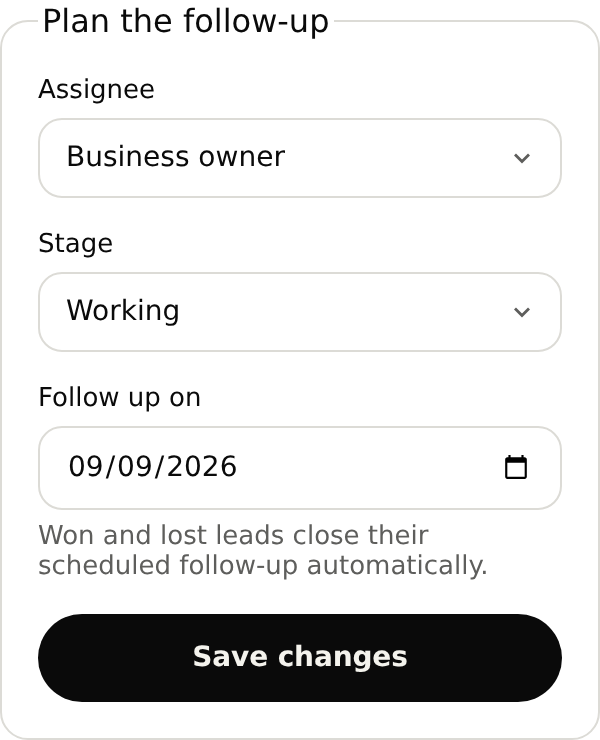
A lease inquiry needs a firm review before a consultation is agreed. Keep the matter details, responsible person and follow-up together.
Set up your receptionistKeep the request, owner and next-action note together. Open the inquiry from your follow-up list.
I'm looking for help reviewing a commercial lease for my shop.
Check intake, an occupied slot and a caller asking for advice before forwarding calls.
With your plan active, open the browser test in your account and use your microphone. Review the answer and saved details before forwarding your number.
The caller’s contact details and the intake information you choose, such as broad matter type, location and requested timing. Your team can read the inquiry, assign its owner and record the next action in NiceAgents.
Start with your business details, services and opening hours. Add the information callers often ask for and the questions you want reception to ask. For bookings, set service durations and availability. With your plan active, browser-test the setup before forwarding calls.
Yes. Once your NiceAgents line is active, choose which calls to forward using your phone provider’s settings. You can configure and browser-test your receptionist before changing your forwarding.
NiceAgents brings your calls, bookings and business information together in one place. Already using software for your firm? Tell us what you use and what you need—we’ll do our best to accommodate your existing setup.
No. Your firm reviews conflicts, suitability and engagement terms before accepting representation. A consultation is simply time to speak.
Those decisions stay with your firm. The receptionist can collect the names and broad intake information you request for review.
Bring your calls, schedule and business information into NiceAgents. Start with your business details, then choose your plan and configure your receptionist.
Set up your receptionist Compare plans