Know which system needs attention.
The receptionist asks about the equipment, property and symptoms. Your technician gets the caller’s description before investigating the system.
System detailsservice review
Built around your business
See how NiceAgents fits the work you do and the customers you serve.
Explore all industriesFree business tools
Use your own numbers to explore costs, missed opportunities and capacity.
Explore all seven toolsNo cooling, no heat and seasonal maintenance calls can arrive together. NiceAgents gathers the details and books the appointments your HVAC business offers.

The equipment and service request are attached to a real maintenance appointment.


Actual product UI. Example details saved manually in a demo account—not a live call.
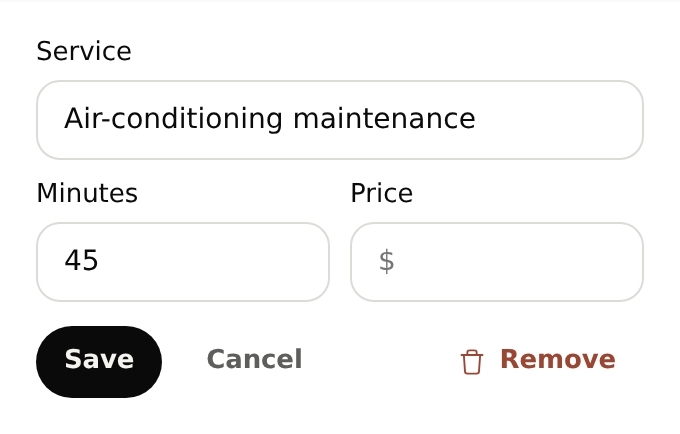
Configure maintenance durations; fault diagnosis and equipment selection stay with your technician.
The receptionist asks about the equipment, property and symptoms. Your technician gets the caller’s description before investigating the system.
Set the maintenance services your business offers, with the time each system check needs. Keep faults and replacement inquiries available for technician review.
List the systems you work on and the maintenance or consultation appointments you offer.
Choose how reception handles no-heat, no-cooling and requests needing technician judgment.
Yes. Add the maintenance services you offer with their durations and availability. Reception can book an available appointment and keep equipment and access details with the service request.
Start with your business details, services and opening hours. Add the information callers often ask for and the questions you want reception to ask. For bookings, set service durations and availability. With your plan active, browser-test the setup before forwarding calls.
Yes. Once your NiceAgents line is active, choose which calls to forward using your phone provider’s settings. You can configure and browser-test your receptionist before changing your forwarding.
NiceAgents brings your calls, bookings and business information together in one place. Already using software for your business? Tell us what you use and what you need—we’ll do our best to accommodate your existing setup.
Your technician confirms diagnosis, equipment selection and sizing. NiceAgents gathers the inquiry and arranges the next conversation.
Your team confirms attendance based on actual availability. The receptionist uses the schedule and callback rules you provide.
Bring your calls, schedule and business information into NiceAgents. Start with your business details, then choose your plan and configure your receptionist.
Set up your receptionist Compare plans