Know what the door is doing.
The receptionist asks what the door is doing and records the property and callback details. Your technician gets the reported symptoms before the assessment.
Reported symptomstechnician review
Built around your business
See how NiceAgents fits the work you do and the customers you serve.
Explore all industriesFree business tools
Use your own numbers to explore costs, missed opportunities and capacity.
Explore all seven toolsNiceAgents answers garage-door service inquiries, collects the reported problem and arranges the assessments you offer while your team works on site.
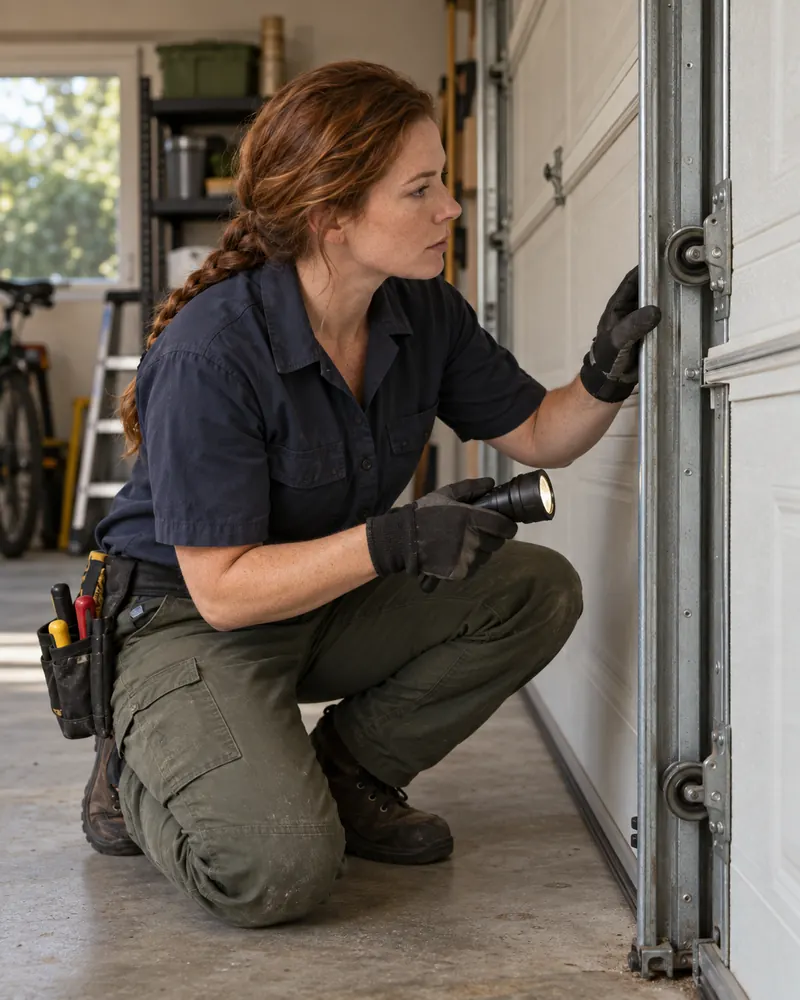
Your technician sees the reported behavior before assessing the door.


Actual product UI. Example details saved manually in a demo account—not a live call.
No repair instructions or parts availability are implied by the appointment.
The receptionist asks what the door is doing and records the property and callback details. Your technician gets the reported symptoms before the assessment.
Make assessment appointments available without committing to an unconfirmed repair. Your technician receives the reported behavior with the visit.
Supply the service information and property questions you want reception to use.
Keep springs, repair steps, parts choices and arrival commitments with your technician.
Yes. Ask the caller to describe the behavior they have noticed, along with the property and contact details. Those notes can stay with an available assessment booking for your technician to review.
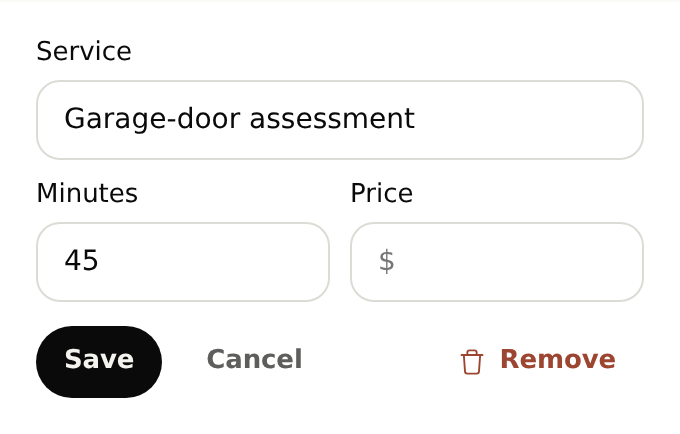
Start with your business details, services and opening hours. Add the information callers often ask for and the questions you want reception to ask. For bookings, set service durations and availability. With your plan active, browser-test the setup before forwarding calls.
Yes. Once your NiceAgents line is active, choose which calls to forward using your phone provider’s settings. You can configure and browser-test your receptionist before changing your forwarding.
NiceAgents brings your calls, bookings and business information together in one place. Already using software for your business? Tell us what you use and what you need—we’ll do our best to accommodate your existing setup.
Repair guidance stays with your technician. Reception follows the safety and next-step information you supply.
Your team checks parts and suitability. NiceAgents records the request for follow-up.
Bring your calls, schedule and business information into NiceAgents. Start with your business details, then choose your plan and configure your receptionist.
Set up your receptionist Compare plans